Closed-loop tactical defense

CLTD

The command line is the battlefield.

Scroll through the actual game ↓

Inside the game

Your first commands.

Six moments from the actual game.
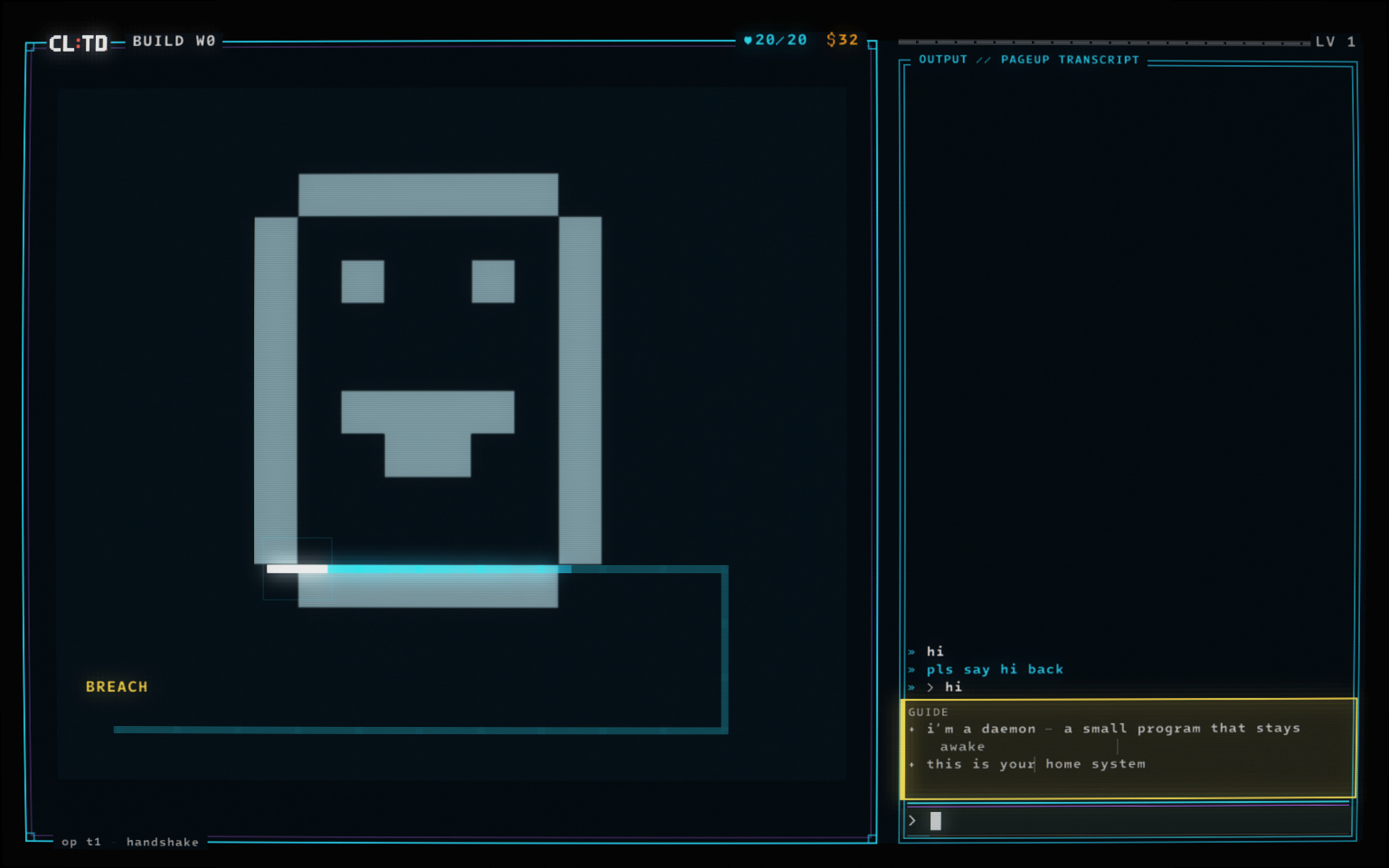
The native tutorial daemon introduces the home system as the hostile route appears.
Actual game captures · 1 / 6
  1. The native tutorial daemon introduces the home system as the hostile route appears.
    01 / 06

    Meet your guide.

    hi

    A small daemon introduces your home system and draws the route malware will take.
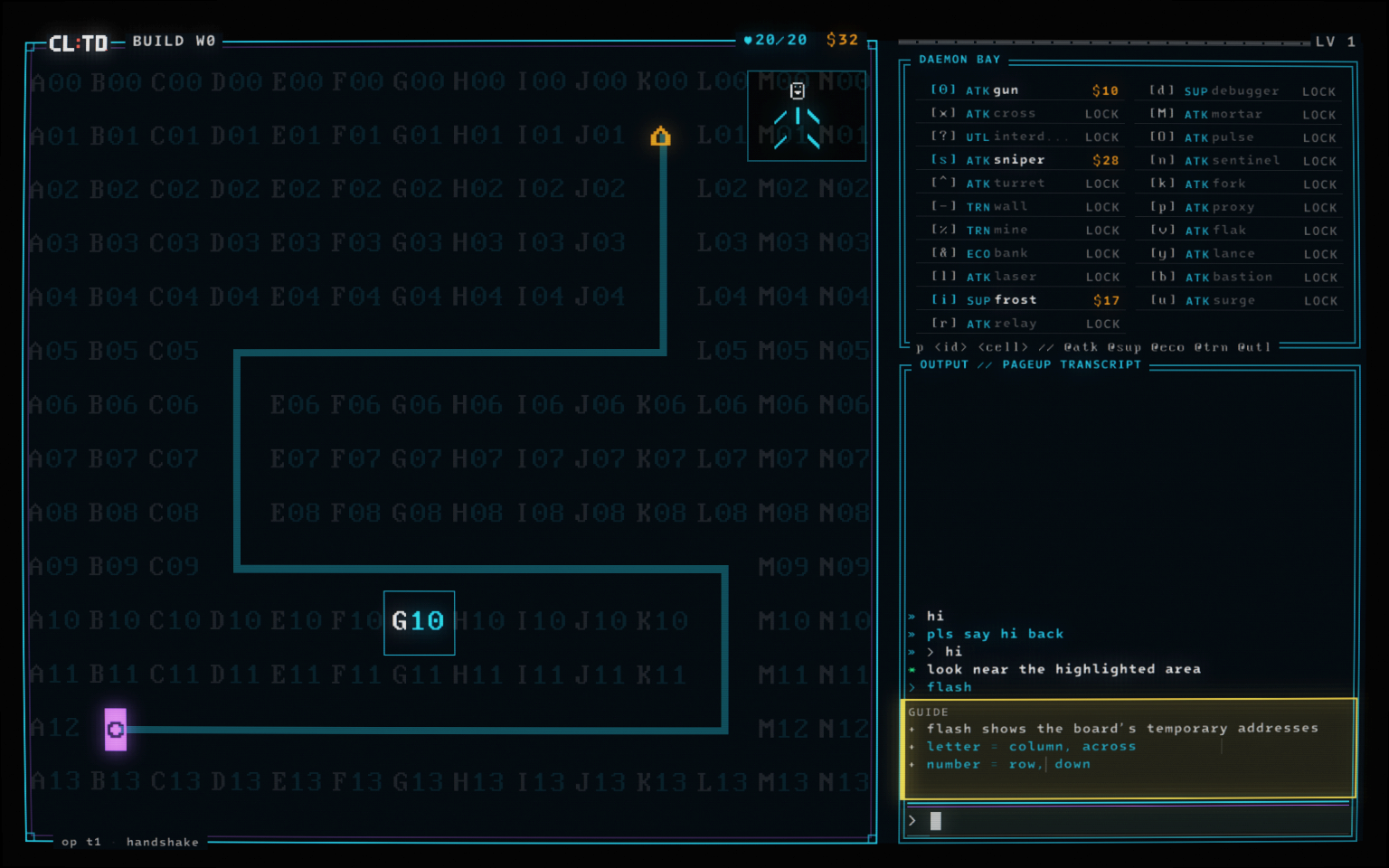
  2. The actual game showing the flash address grid with G10 highlighted.
    02 / 06

    Read the battlefield.

    flash

    Reveal the temporary address grid. Letters mark columns; numbers mark rows. Your first target is G10.
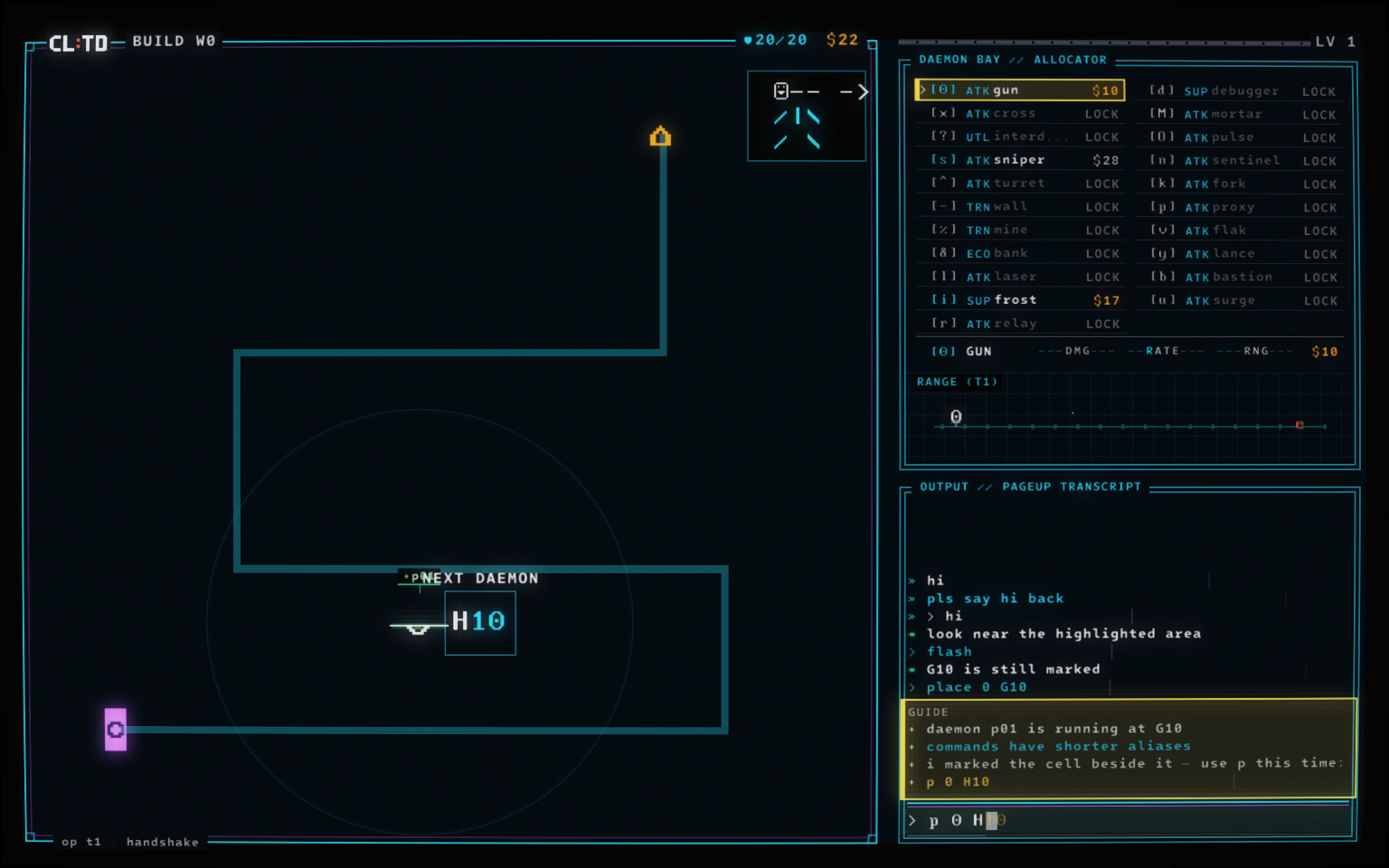
  3. The first Gun placed at G10, with H10 highlighted for the next daemon and the p alias explained.
    03 / 06

    Put a daemon to work.

    place 0 G10

    Your first Gun is running at G10. The tutorial marks H10 for a second and introduces the shorter p command.
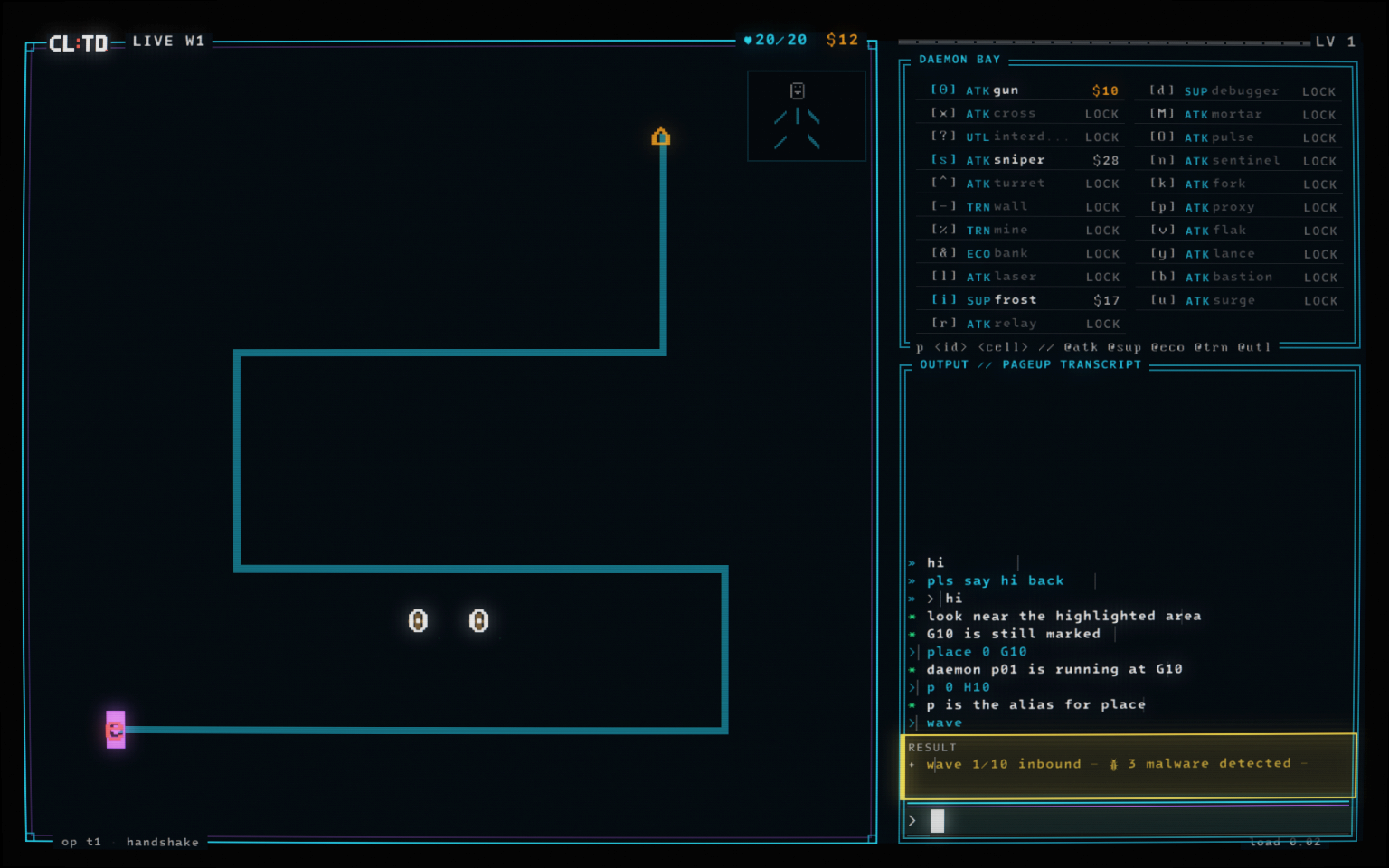
  4. Wave 1 running in the native game, with two Gun daemons deployed and malware entering the route.
    04 / 06

    Let them come.

    wave

    Two Gun daemons defend the route as the first wave enters. Commands stay available during combat.
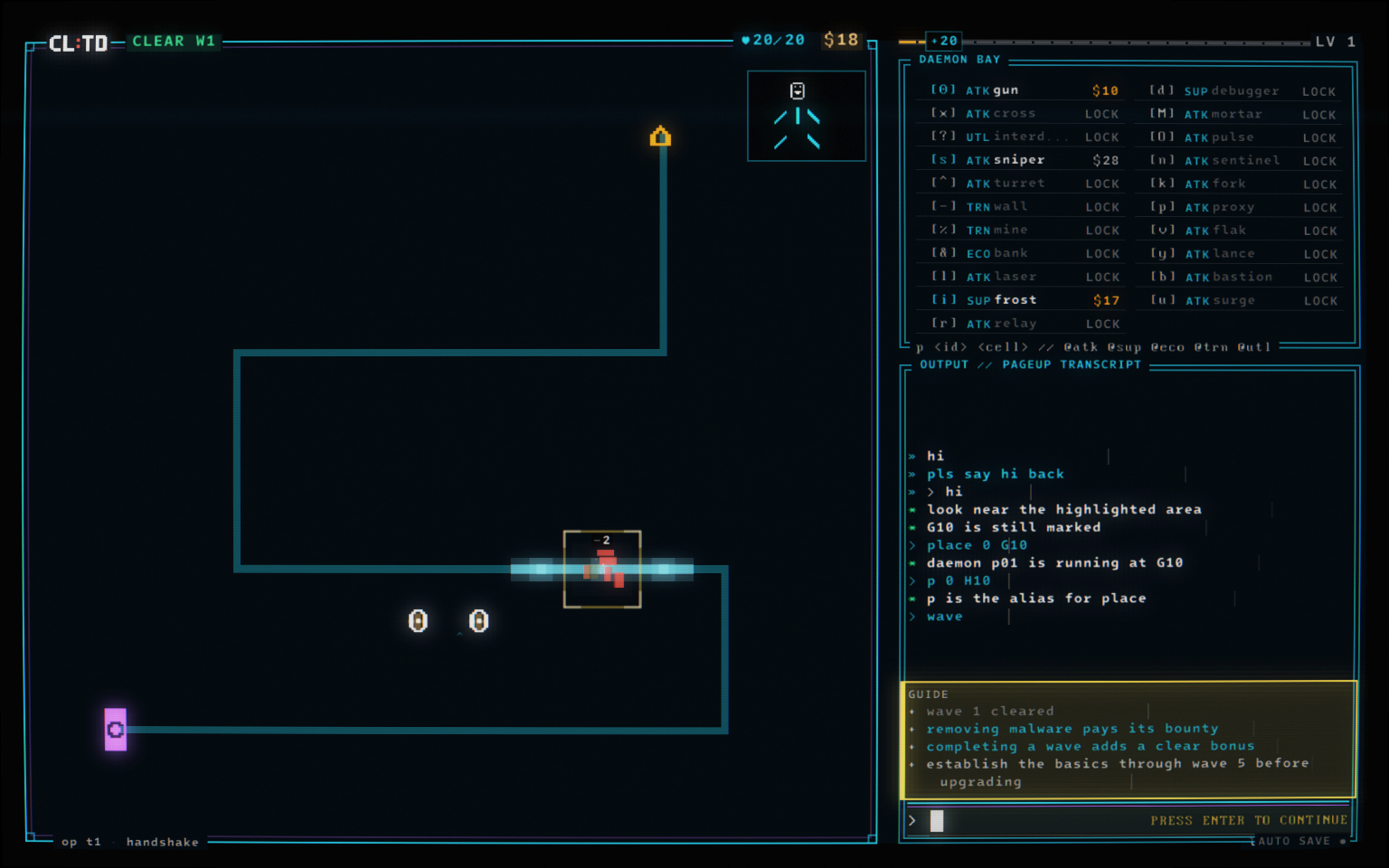
  5. The real Wave 1 clear with 20 out of 20 core integrity and the tutorial explaining bounties and the clear bonus.
    05 / 06

    Clear. Earn. Build.

    The first wave is cleared. Malware bounties and the clear bonus fund your next placements.
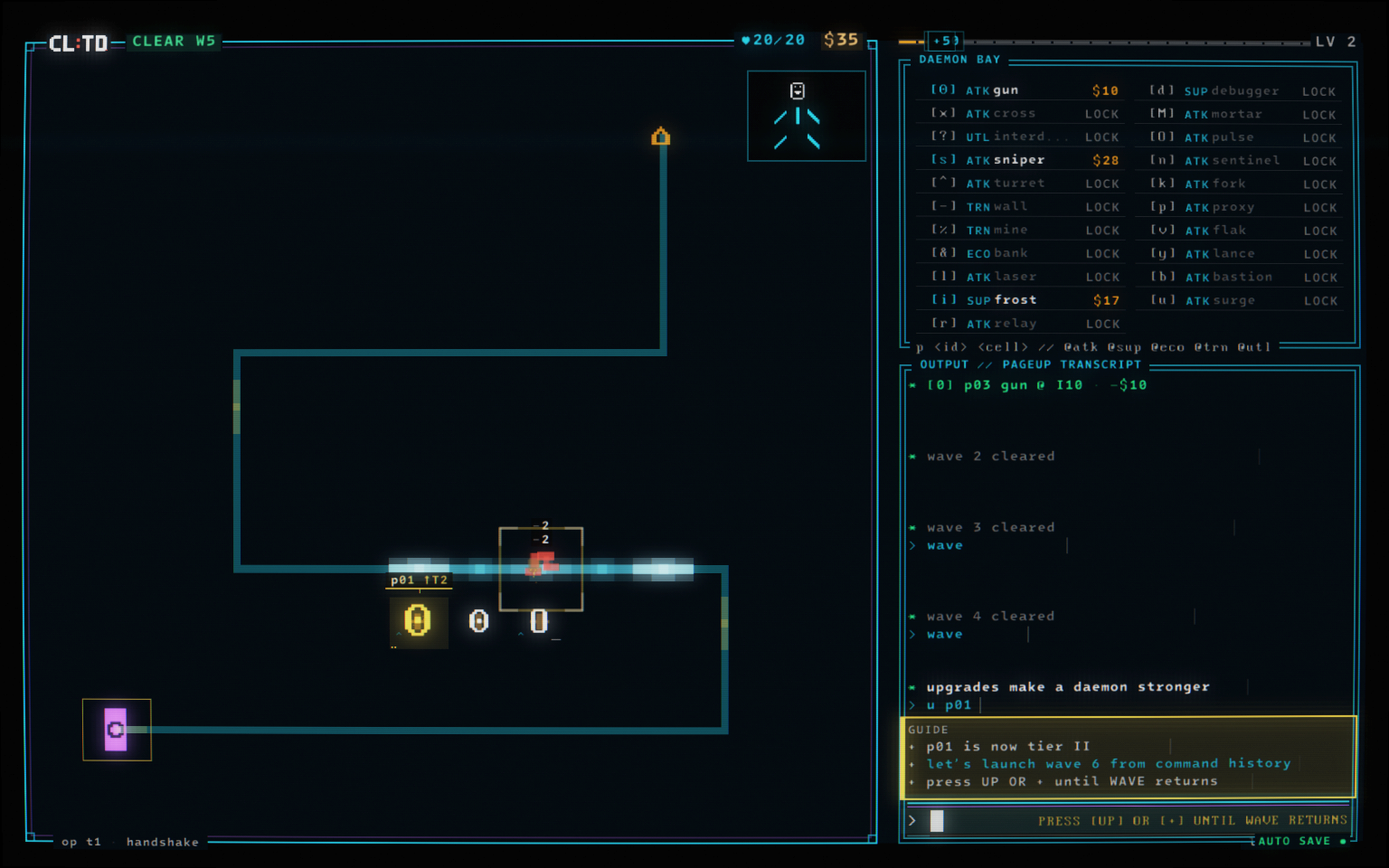
  6. After Wave 5, process p01 glows as a Tier II Gun and the command transcript records u p01.
    06 / 06

    Make every process count.

    u p01

    After wave 5, the tutorial teaches upgrades. Process p01 is now Tier II, ready for the next wave.

  • Exact first-run tutorial
  • Campaign C1 · W1–10
  • Fixed Rogue Descent

Actual game slice

Take the terminal.

Start with the same guided first contact as the full game, clear the first ten Campaign waves, then unlock one fixed Rogue Descent. A longer demo is available on Steam.

Click once to connect, then use a hardware keyboard. Open the full frame for the sharpest 16:10 presentation and browser fullscreen.

Support

Open a support channel.

Questions, technical trouble, or accessibility feedback are all welcome. Send a message and include any details that can help us reproduce the issue.

Contact · email

Mail opens in your default email application. Copy stays on this device. Gameplay analytics privacy notice.

© CL:TD — Command Line Tower Defense